Security Credentials Generator
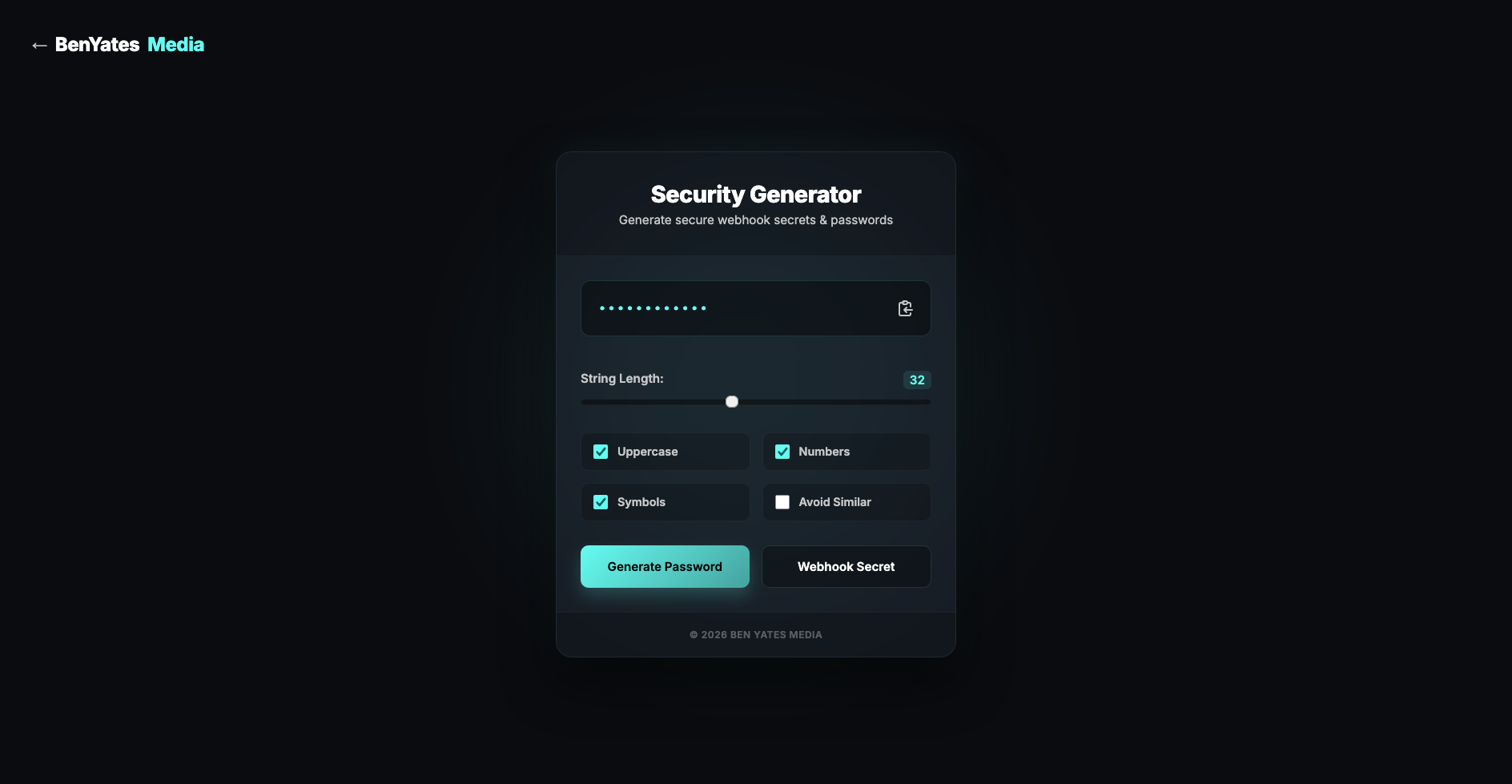
A sleek, browser-based Security Generator developed to instantly create highly secure passwords and webhook secrets. Featuring an intuitive dark-mode interface, a customisable string length slider, and granular character controls, this lightweight tool streamlines essential security workflows for developers and everyday users alike.
View Live Project →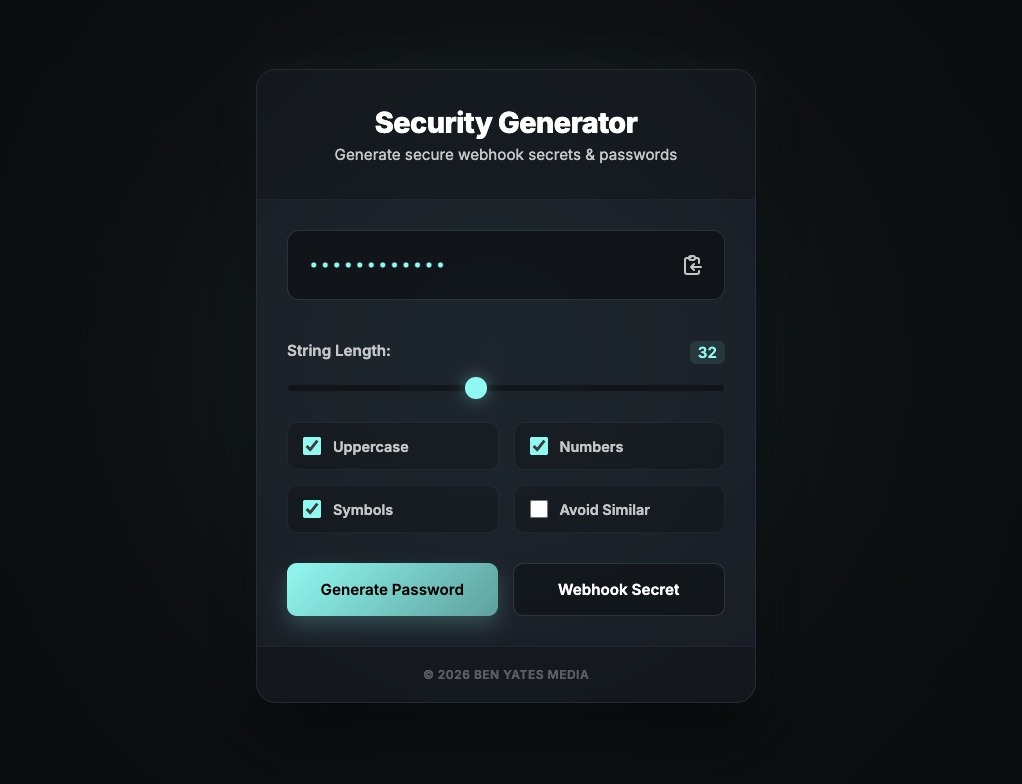
In modern web development and daily digital life, relying on weak passwords or reusing keys is a critical vulnerability. We built the Security Generator as a fast, accessible, and highly secure utility to instantly generate robust passwords and cryptographic webhook secrets, eliminating the need to rely on ad-heavy or untrustworthy third-party websites.
Reference image: 
The Challenge
Developers frequently need to generate secure, high-entropy strings for database credentials, API keys, and webhook validations. However, standard generators often lack the specific formatting required for different use cases or fail to provide a frictionless user experience. The goal was to create a streamlined, distraction-free tool that provided total control over the output while maintaining a premium, modern aesthetic.
The Solution
We developed a lightweight, dark-themed utility application tailored for speed, precision, and security. Built with a clean UI, the tool performs all generation locally within the browser to ensure absolute data privacy. Key features include:
- Dual Functionality: Dedicated generation modes for both standard secure passwords and complex webhook secrets, catering to different technical requirements.
- Granular Length Control: A fluid UI slider allows users to precisely dictate the string length, easily scaling up to 32 characters and beyond for maximum entropy.
- Character Customisation: Simple, accessible toggles enable users to instantly include or exclude uppercase letters, numbers, and symbols based on specific password policies.
- Enhanced Readability: An 'Avoid Similar' toggle intelligently excludes visually confusing characters (such as 'O' and '0', or 'l' and '1'), reducing manual entry errors down the line.
- Frictionless UX: A prominent, one-click copy-to-clipboard function allows users to instantly move their secure strings directly into their production environments or password managers.
The Outcome
The result is an elegant, highly functional utility that perfectly integrates into a developer's daily workflow. By providing instant, customisable, and locally generated security strings, the tool delivers both peace of mind and operational efficiency in a single, polished package.
Project Gallery