TonyCompress: Web Image Compressor
A sleek, client-side Web Image Compressor. Built to instantly optimise PNG, JPG, and WEBP files into lightweight, web-ready JPEGs, this tool features real-time compression stats, intelligent transparent background handling, and adjustable quality settings to drastically improve website performance workflows.
View Live Project →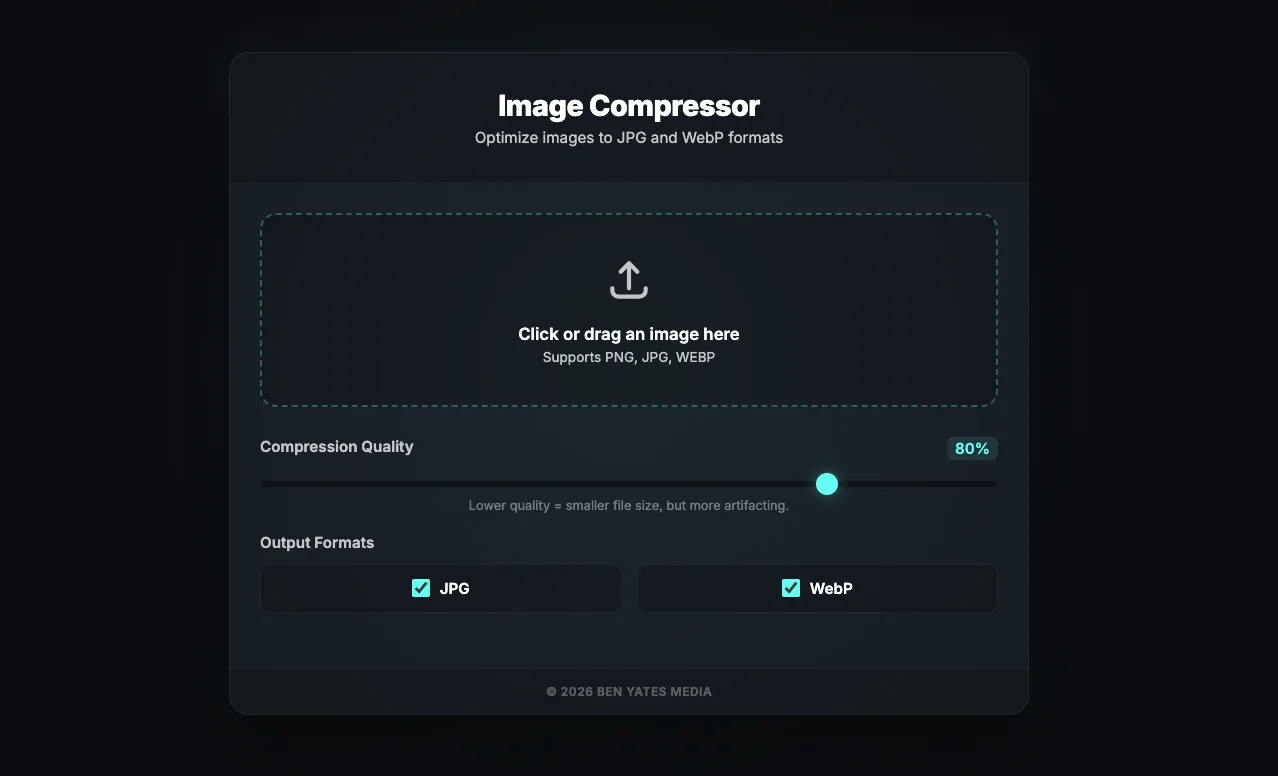
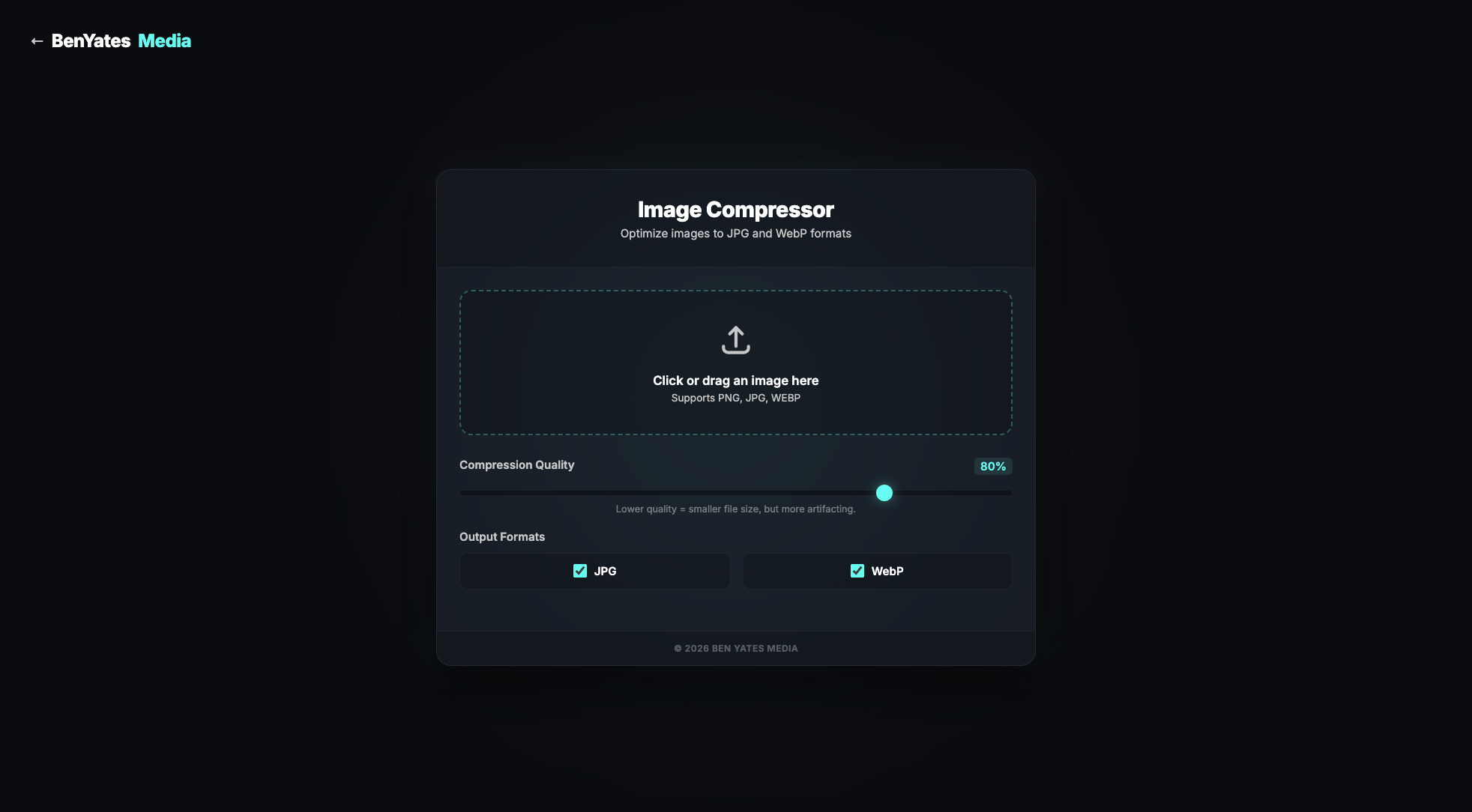
Large, unoptimised image files are a primary cause of slow website loading times, which negatively impacts both user experience and SEO. To combat this, we developed the Web Image Compressor under the Ben Yates Media brand[cite: 1]. It is a sleek, browser-based tool specifically designed to optimise images for the web in seconds[cite: 1].
The Challenge
Content creators and web developers frequently need to compress images before uploading them to a CMS. Relying on heavy, ad-filled third-party websites or complex desktop software creates unnecessary friction and potential data privacy concerns. The goal was to build a fast, secure, and highly accessible utility that processes files locally without ever requiring the user to upload their assets to an external server.
The Solution
We engineered a lightweight, entirely client-side application featuring a modern, dark-themed interface with subtle background glow and glassmorphism effects[cite: 1]. Using the browser's native capabilities, the tool performs all image manipulation locally[cite: 1]. Key features include:
- Broad Format Support: The intuitive drag-and-drop upload area natively supports standard PNG, JPG, and WEBP files[cite: 1].
- Intelligent Conversion: The application automatically processes the uploaded file and converts it into a web-ready JPEG[cite: 1]. Crucially, it applies a solid white background before conversion to prevent transparent PNGs from rendering with unsightly black backgrounds[cite: 1].
- Granular Quality Control: Users can fine-tune their compression level using a responsive JPEG Quality slider[cite: 1]. The UI provides clear guidance, noting that lower quality settings yield smaller file sizes but may introduce more visual artifacting[cite: 1].
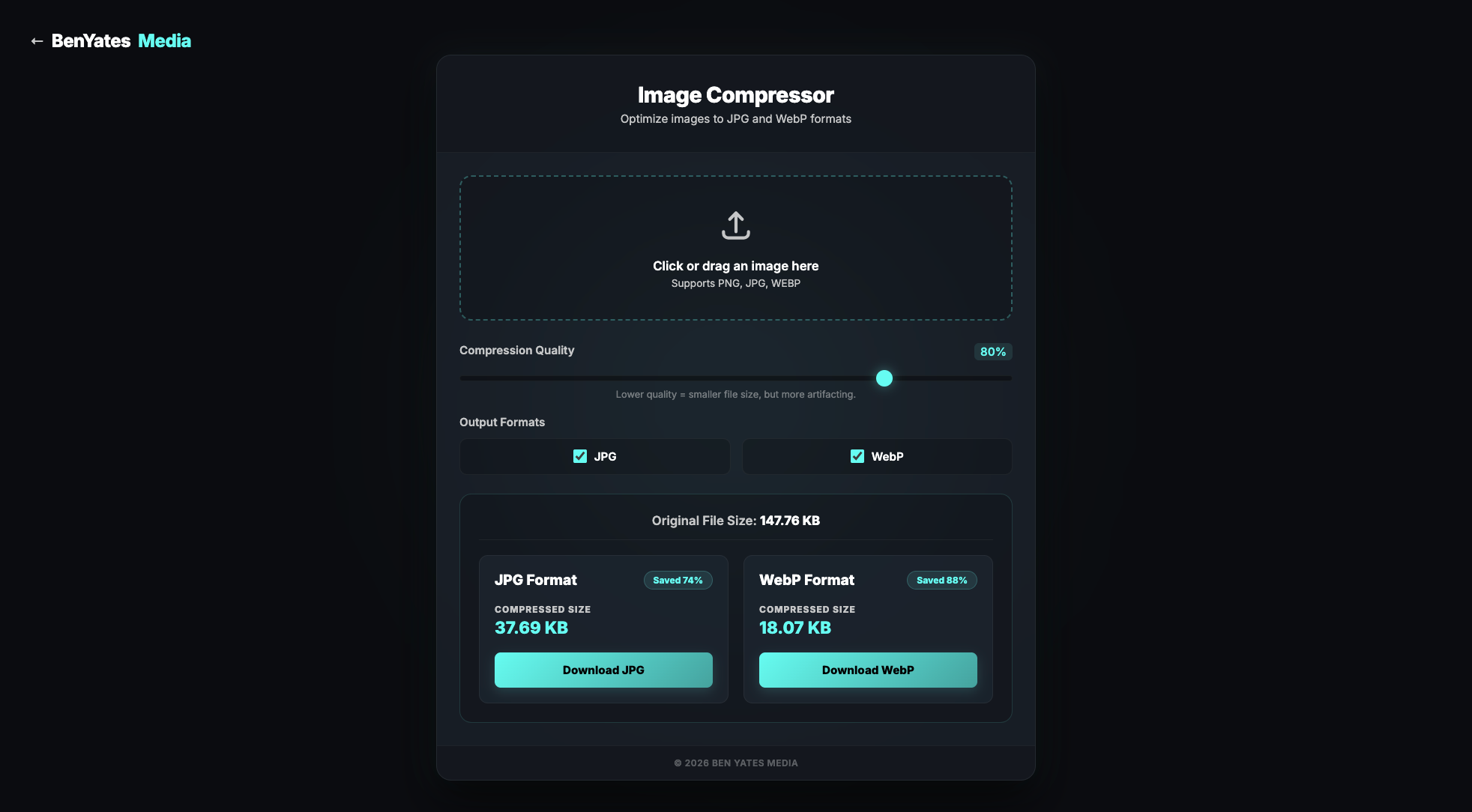
- Real-Time Analytics: Upon processing, a hidden results area elegantly fades in to display a direct comparison between the original file size and the compressed size[cite: 1]. An automated badge calculates the exact percentage of data saved, turning into a red warning badge if the chosen settings actually result in a larger file[cite: 1].
- Frictionless Export: The final optimised asset is instantly available via a prominent download button[cite: 1]. The system automatically renames the downloaded file by appending a convenient
_web.jpgsuffix for effortless local file management[cite: 1].
The Outcome
This standalone utility provides a flawless, highly secure workflow for digital image optimisation. By eliminating server-side processing, the Web Image Compressor guarantees absolute user privacy and zero-latency compression, delivering immediate, professional results wrapped in a premium, distraction-free user interface.
Project Gallery